
Download fylepad – note-taking, markdown, lightweight, fast, efficient, productivity tool, digital notebook, secure notes, organize notes, text editor
Overview
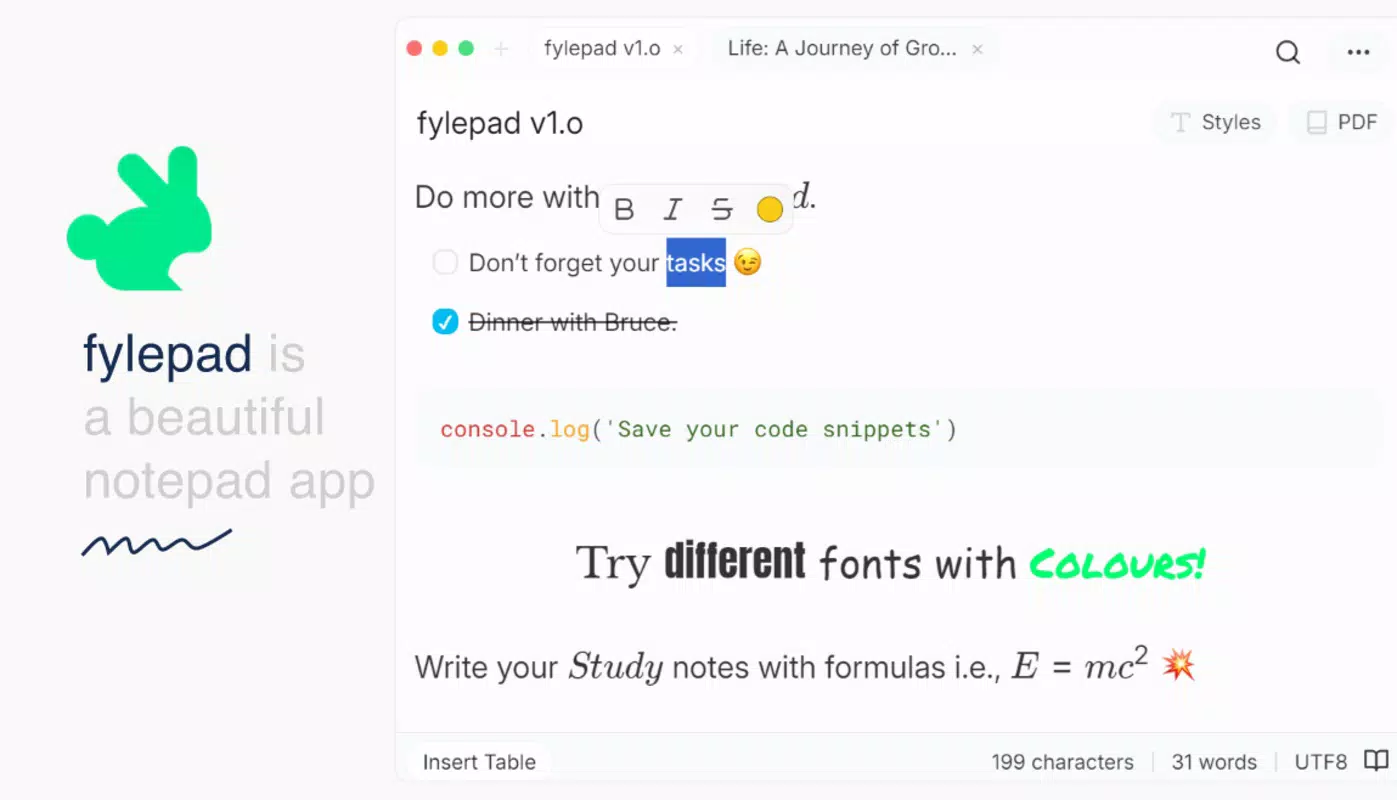
Fylepad is a streamlined mobile application designed for users who prioritize clarity, speed, and functionality in their note-taking workflows. Positioned within the productivity category, the app serves as a digital notebook that enables efficient content creation, organization, and management. It caters particularly well to individuals who value minimalism and performance—such as writers, students, developers, and professionals managing multiple projects. By focusing on core note-taking functions without unnecessary bloat, Fylepad offers a focused alternative to feature-heavy competitors.
The app’s primary purpose is to deliver a frictionless experience for capturing and structuring thoughts, ideas, and information using a clean, intuitive interface. Its extended Markdown support allows users to format text with precision, while the auto-save function ensures that no data is lost during unexpected interruptions. This combination of reliability and simplicity makes Fylepad a dependable tool for both casual and intensive note-taking scenarios. Whether drafting a project outline, maintaining a personal journal, or organizing research notes, the app supports a wide range of real-world use cases.
Developed by fylepad, the application reflects a deliberate design philosophy centered on efficiency and performance. Although the developer did not provide additional technical details, the app’s 5 MB size and Rust-based architecture suggest a strong emphasis on lightweight execution and stability. In the broader mobile app ecosystem, Fylepad fills a niche for users seeking a fast, secure, and minimalistic note-taking solution that doesn’t compromise on functionality.
Key Features & Functionality
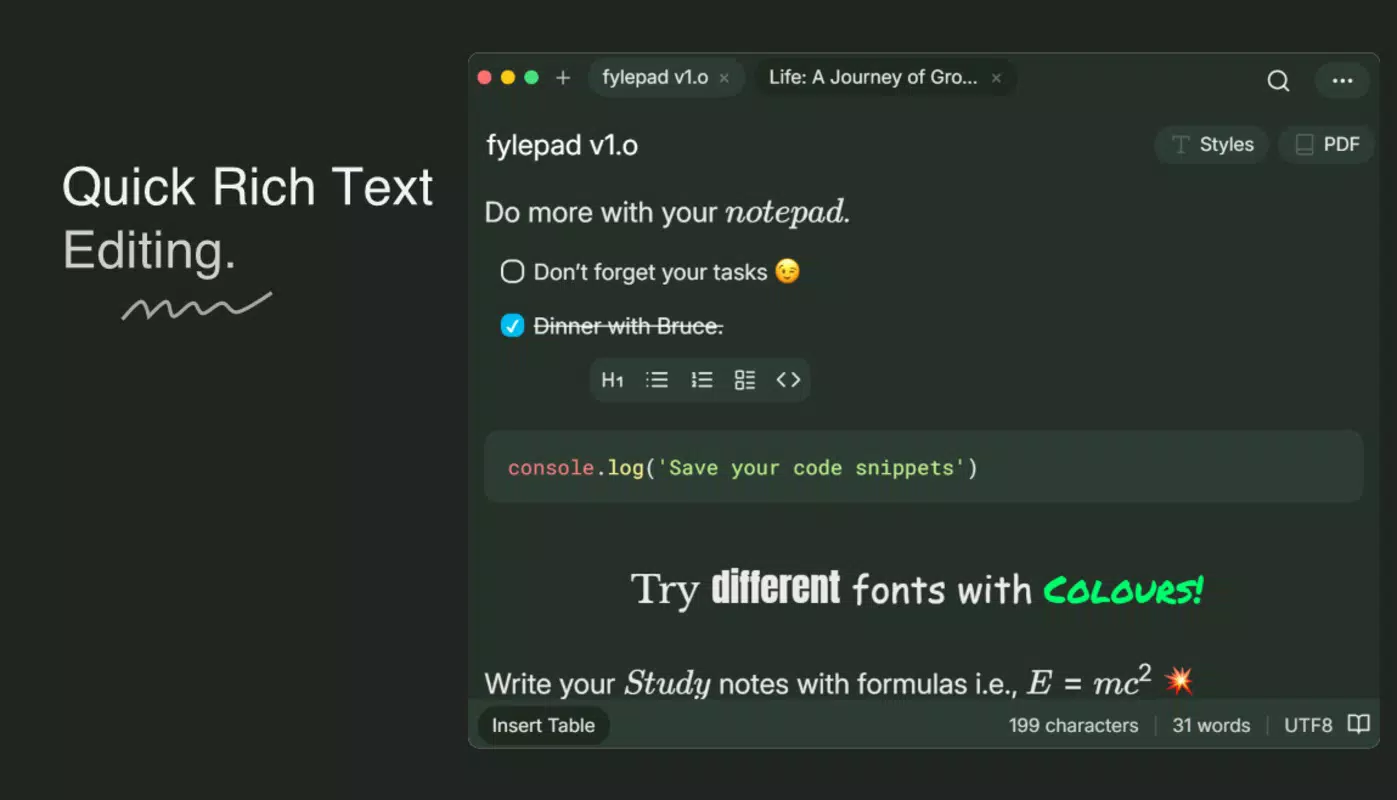
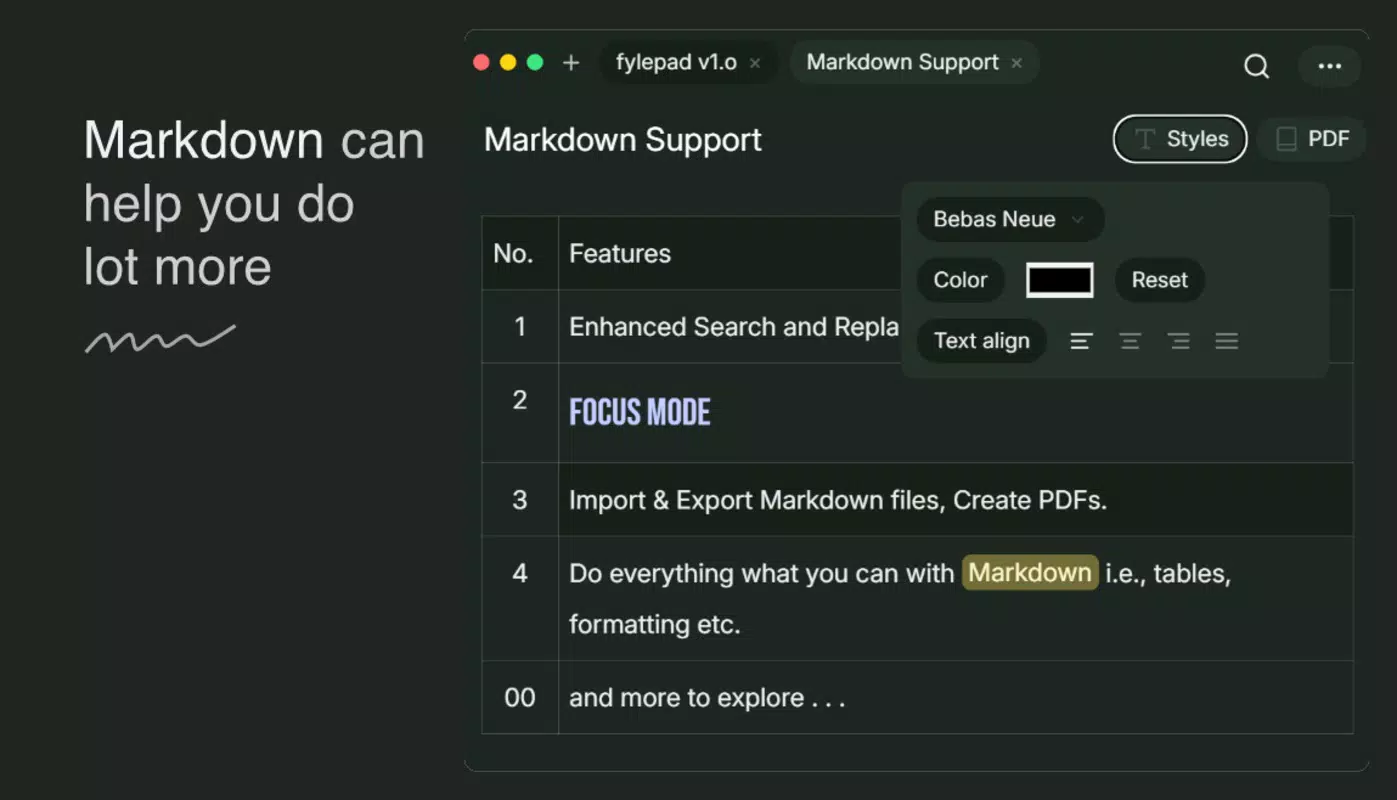
- Extended Markdown Support: Fylepad enables users to apply advanced formatting using Markdown syntax, allowing for headings, lists, bold/italic text, code blocks, and more. This feature is ideal for users who prefer a structured, readable format for their notes. For example, developers can document code snippets with syntax highlighting, while students can create well-organized study guides.
- Auto-Save Functionality: Every edit is automatically saved in real time, eliminating the risk of data loss due to app crashes or accidental closures. This ensures continuity across sessions, allowing users to resume work seamlessly. A researcher writing a long-form article can trust that their progress is preserved without manual intervention.
- PDF and Markdown Export: Users can export notes in both PDF and Markdown formats, enhancing cross-platform compatibility. A professional can generate a clean PDF for client presentations, while a developer can export a Markdown file for version control or integration into documentation systems.
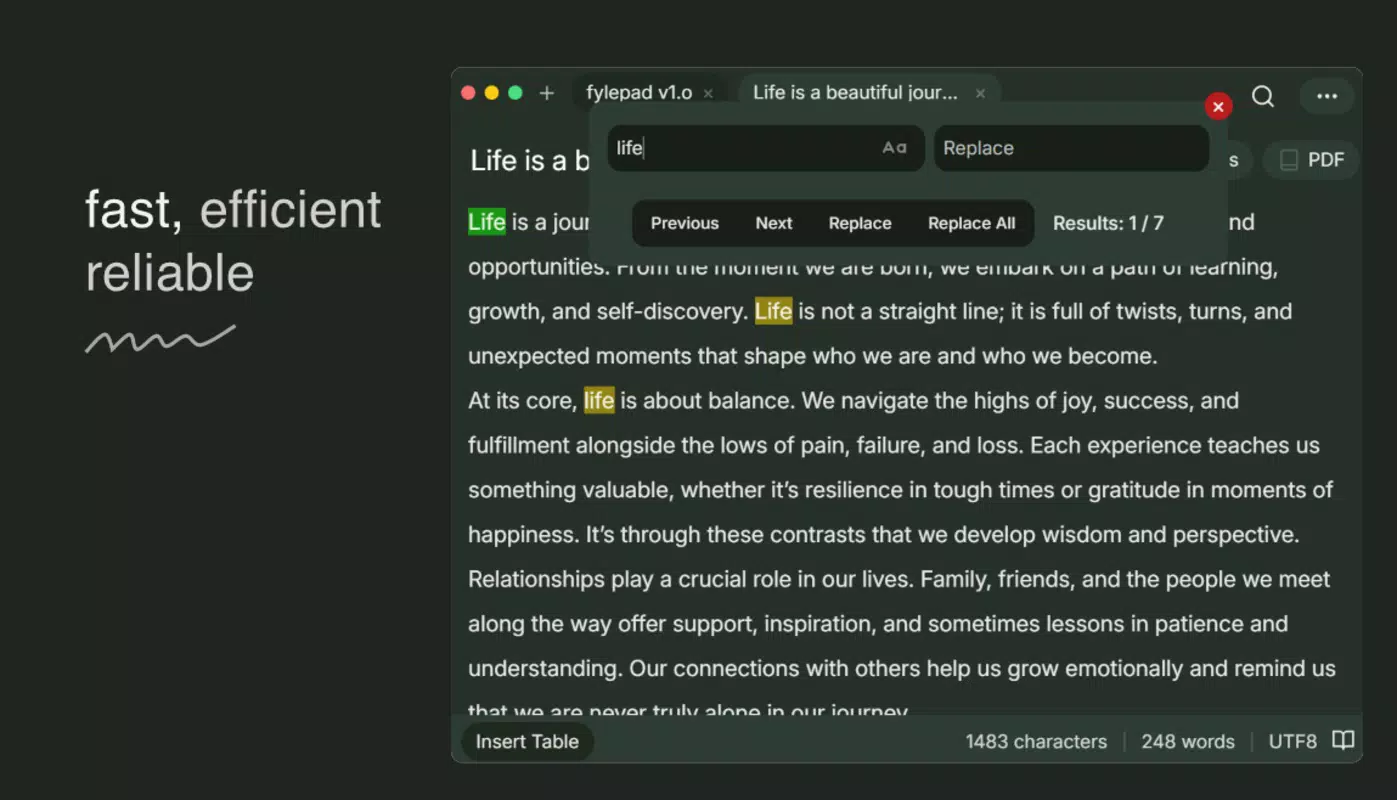
- Multiple Tabs Support: The ability to open and switch between multiple notes simultaneously improves multitasking. A student managing assignments across different subjects can keep each topic in a separate tab, reducing context switching and boosting focus.
- Lightweight and Fast Performance: At just 5 MB, Fylepad is designed for efficiency. Its performance is attributed to a Rust core, which contributes to rapid startup times and smooth operation even on lower-end devices. This makes it accessible to users with limited storage or older smartphones.
Interface, UX & Performance
Fylepad presents a clean, uncluttered interface that prioritizes usability and readability. The layout emphasizes text input with minimal distractions, aligning with the app’s focus on productivity. Navigation is straightforward, relying on intuitive gestures and tab-based switching for managing multiple notes. The visual style is minimalistic, using neutral colors and clear typography to enhance focus on content.
Users can expect a responsive experience across various device categories. Although the developer did not list formal performance metrics, the app’s lightweight design and efficient architecture suggest consistent responsiveness even under moderate usage. Stability appears to be a strength, supported by the auto-save feature and the absence of reported crashes in public disclosures.
Performance on different hardware configurations remains consistent due to the app’s optimized codebase. While specific benchmarks were not provided, the 5 MB size and Rust foundation indicate efficient memory usage and low CPU overhead. This ensures smooth operation during extended use, such as writing long-form content or managing multiple open notes.
Platform Compatibility & Technical Requirements
Fylepad is available exclusively on the Android platform. The app is compatible with Android devices running the minimum OS version specified by the developer. However, specific requirements were not listed, so users are advised to check compatibility with their device’s system version before installation.
The application has a file size of 5 MB, making it highly accessible for users with limited storage space. This compact footprint ensures quick downloads and minimal impact on device performance. The app is currently released in version 1.0.0, indicating a stable initial release with foundational features in place.
Although the developer did not specify minimum OS requirements or hardware capabilities, the app’s lightweight nature suggests broad compatibility with a wide range of Android devices, including budget smartphones and mid-tier models.
Pros and Cons
Pros
- Lightweight design at just 5 MB
- Fast performance due to Rust-based architecture
- Extended Markdown support for advanced formatting
- Auto-save functionality prevents data loss
- Supports multiple tabs for efficient multitasking
- Export notes in both PDF and Markdown formats
- Free to download and use
Cons
- Platform availability limited to Android
- Specific system requirements not disclosed
- No cloud sync or backup features mentioned
- Developer did not provide detailed technical documentation
- Export options are limited to PDF and Markdown
FAQ
Is fylepad available on iOS?
The app is currently available only on the Android platform. There is no official release for iOS at this time.
Can I use fylepad without an internet connection?
Yes, fylepad functions fully offline. All note creation, editing, and saving occur locally on the device.
Does fylepad support cloud synchronization?
There is no information provided about cloud sync or backup features. All data is stored locally.
How often does fylepad update?
Update frequency has not been disclosed. Users are encouraged to check the app store for the latest version.
Is fylepad secure for storing sensitive notes?
As the app does not mention encryption or security features, users should assume data is stored in plain form on the device. Sensitive information should be handled with caution.
Final Thoughts
Fylepad stands out as a refreshingly efficient note-taking tool for Android users who value speed, simplicity, and reliability. Its lightweight footprint, powerful Markdown support, and auto-save functionality make it a compelling choice for anyone seeking a no-frills digital notebook. While it lacks cloud sync and detailed system requirements, its core strengths lie in performance and usability.
Professionals, students, and creatives who prioritize uninterrupted focus and minimal overhead will find the app particularly beneficial. The ability to export notes in multiple formats enhances its utility across workflows. For those looking for a fast, secure, and free productivity tool, fylepad delivers a strong value proposition.
Download fylepad now


